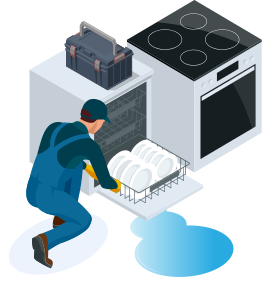
Wait Before You Go…
Cover all your home appliances under one
simple plan.
$200 OFF
+2 FREE Bonus Months
Your free quote is just a click away..
Have questions? Call us: (833) 543-7582
Exit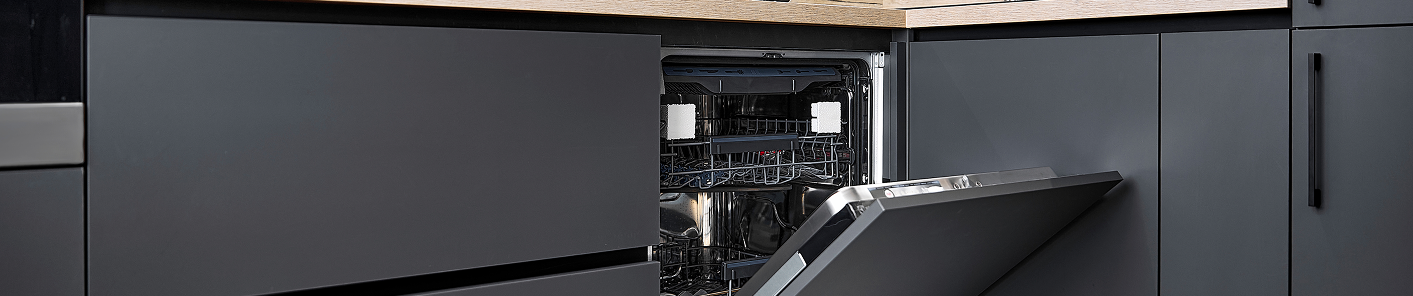
40% of reported issues are the
Child Lock or Delay Start Activated
30% of reported issues are the
Door Not Properly Closed
20% of reported issues are the
Control Board Issues
10% of reported issues are the
All Other Issues
Extended warranties only cover one item. Liberty Home Guard protects all your appliances and systems under one simple plan.
If it breaks, we’ve got you covered—no matter the brand.
Samsung dishwasher won’t start a cycle? Follow the steps below to troubleshoot common issues like a faulty door latch, control panel glitch, or disrupted power supply.
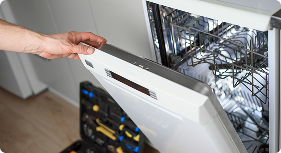
Step 1:
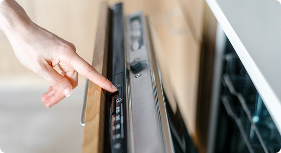
Disable Child or Control Lock
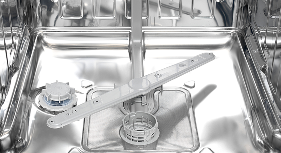
Step 2:
Check the Door Latch
Step 3:
Verify Cycle Settings
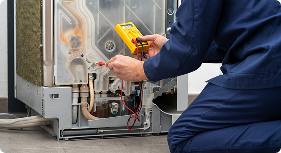
Step 4:
Inspect Power Supply
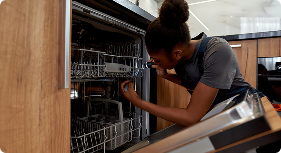
Step 5:
Test the Door Switch

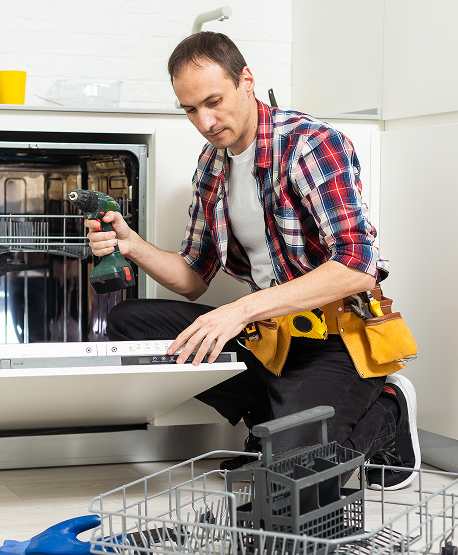
When your dishwasher won’t start a cycle, certain repairs are more commonly required than others. Below are the most frequent fixes:
If your Samsung dishwasher has power but won’t start a cycle, the issue could be due to a locked control panel, a faulty door latch, or an active Delay Start function. Make sure the door is securely closed and latched, and check that the child lock or control lock isn’t engaged. If these are all functioning correctly, the problem may lie with the door switch or main control board.
To reset most Samsung dishwashers, simply unplug the unit from the power outlet or turn off the circuit breaker for 1–2 minutes. This will clear any temporary software glitches. After restoring power, try starting a new cycle. If the dishwasher still won’t respond, there may be a hardware issue that needs professional diagnosis.
Flashing lights on a Samsung dishwasher often indicate a specific error. Common reasons include the door not being closed properly, water supply problems, or an error code like “LC” (leak detected). Refer to your user manual to interpret the specific flashing sequence or code. Correcting the underlying issue should allow the dishwasher to start a cycle.
Some issues—like a locked control panel, tripped breaker, or clogged filter—can be fixed by homeowners with basic troubleshooting. However, if the problem involves electrical components such as the control board, door switch, or wiring, it’s safer and more effective to call a certified appliance repair technician. This ensures the repair is done correctly and safely.


Homeowners across the country recommend Liberty Home Guard Home Warranty above all
others.
Don’t just take our word for it—Liberty Home Guard Reviews speak for themselves!
Today I had the pleasure of working with George Ramsey who was amazing. I want to thank him for his patience and for getting me th...
Darren C.

Greatly appreciated George Ramsey and his patience and expertise with walking me through my home warranty purchase. He got me a go...
Veronica W.
Franklin A. Was great! Knowledgeable and provided me with the resources that I need to serve customers correctly and professionall...
Appliances LLC
Quick service, clear communications. Very pleased with support from LHG and their service network.
Joe M.
They are a great company, I highly recommend them
Woodley L.
Liberty Home Guard covered the repair of my appliance. The whole process has handled quickly and efficiently. Very positive. The r...
Russel C.
Joseph Santos was very respectful and professional. He answered all my questions and addressed my concerns respectively. I was imp...
Abhinav P.
Great manager and excellent communication , very professional, responsible and always willing to help issues quickly and fairly. A...
Lashonda S.
I am impressed with the service I received from Keith Gordon. He explained extensively and clearly what in included in the warrant...
Alondra P.
I had the pleasure of speaking with Andrenina at Liberty Home Guard and I can't express how grateful I am for her outstanding serv...
Debra S.